
Blog
Pro Tips for Your IQOS Iluma I Standard & Prime: Best Guide

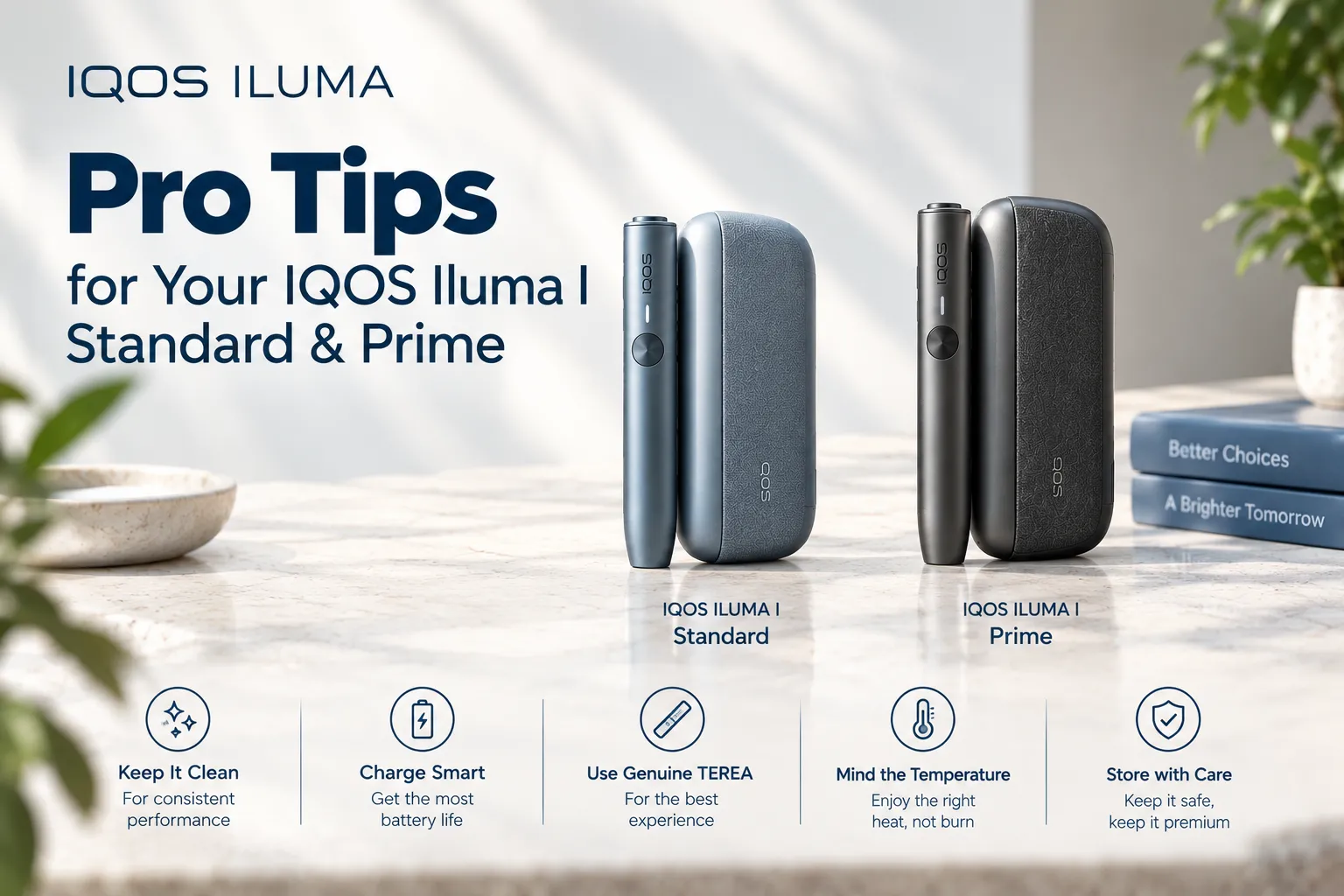
Want optimal performance from your IQOS Iluma I Standard & Prime? Mastering the use of your next-generation heat-not-burn device ensures consistent vapor production and prolongs overall battery life. As heated tobacco technology advances across Dubai and the United Arab Emirates, adult users require clear, practical advice to optimize performance.
The ILUMA I series—featuring both the ILUMA I Standard and the ILUMA I Prime—introduces advanced touchscreens, pause functions, and smart battery modes. Following essential operation practices allows adult consumers to enjoy seamless sessions while protecting their hardware investment.
What Makes the IQOS ILUMA I Series Unique?
The ILUMA I series builds upon the success of original induction devices by adding active digital touchscreens and flexible session controls. Both the ILUMA I Prime and ILUMA I Standard utilize blade-free Smartcore Induction Heating Technology.
Instead of inserting fragile ceramic blades into tobacco units, an electromagnetic coil heats a metal susceptor sealed directly inside each TEREA stick.
These smart features give adult users complete control over session timing, battery preservation, and thermal management.
Essential Pro Tips for Daily Operation
1. Master the New Touchscreen Interface
The integrated touchscreen on the IQOS ILUMA I holder replaces basic LED indicators with dynamic visual feedback:
- Swipe Down to Pause: Swiping down on the touchscreen pauses an active heating session for up to 8 minutes.
- Swipe Up to Resume: Swiping up reactivates heating without losing remaining session time.
- Tap for Status: Single-tapping displays remaining heating time and current battery levels.
2. Optimize the FlexPuff Feature
FlexPuff technology measures your individual inhalation style automatically. If you take quick, light draws, internal sensors dynamically extend your session by up to 4 extra puffs beyond the standard 14-puff limit. To let FlexPuff trigger reliably, maintain steady, gentle puff intervals during your session.
3. Use FlexBattery Modes Wisely
You can customize battery behavior using the official IQOS app:
- Performance Mode: Supports up to 3 consecutive sessions or 2 sessions with a pause activated.
- Eco Mode: Restricts usage to 1 single session per holder insertion, extending total battery lifespan by up to 15%.
Device Comparison: ILUMA I Prime vs. ILUMA I Standard
While internal induction coils and touchscreen software are identical in both units, physical design variations cater to different preferences:
| Feature / Metric | IQOS ILUMA I Prime | IQOS ILUMA I Standard |
| Heating Technology | Smartcore Induction System | Smartcore Induction System |
| Touchscreen Display | Active OLED Touch Interface | Active OLED Touch Interface |
| Pause Functionality | Supported (Up to 8 Minutes) | Supported (Up to 8 Minutes) |
| FlexPuff Capability | Extends up to 4 Extra Puffs | Extends up to 4 Extra Puffs |
| Case Materials | Anodized Aluminum & Fabric Wrap | Polycarbonate & Soft-Touch Matte |
| Door Mechanism | Smooth Side Wrap Cover | Classic Side-Door Push Button |
| Consecutive Uses | Up to 3 Sessions (Performance Mode) | Up to 3 Sessions (Performance Mode) |
| Required Maintenance | Zero Internal Cleaning | Zero Internal Cleaning |
Pro Tips for Battery Care in UAE Climates
Lithium-ion batteries require careful management in warm regional climates like Dubai and the wider UAE:
- Avoid Direct Sunlight Exposure: Never store your IQOS UAE holder or pocket charger inside a parked vehicle exposed to extreme heat. Direct sunlight degrades battery cells rapidly.
- Charge at Room Temperature: Plug your charger into AC power indoors within climate-controlled environments for smooth energy transfer.
- Use Official Charging Gear: Power your device using high-grade USB-C power adapters to prevent voltage fluctuations.
- Charge Before Complete Depletion: Connect your charger before the power indicator reaches zero percent to maximize cycle longevity.
Practical Handling & Stick Insertion Guidelines
Proper stick handling guarantees consistent airflow and prevents accidental device error codes:
- Verify Stick Compatibility: Only use sealed induction units designed specifically for ILUMA hardware across the UAE.
- Insert Straight Without Twisting: Push your TEREA UAE stick straight down into the holder until reaching the printed line marker. Never twist the stick, as twisting shifts internal metal susceptors.
- Allow Full Pre-Heating: Wait for the second vibration signal before taking your first draw. Taking draws early lowers aerosol temperature.
- Never Re-Heat Spent Units: Each unit is designed for single-session use. Attempting to heat spent tobacco yields zero vapor and causes acrid flavor.
- Dispose of Spent Units Responsibly: Allow used sticks to cool down for a few seconds before placing them into household waste bins.
Popular Authentic TEREA Collections in Dubai
Pairing your advanced ILUMA I hardware with original imported sticks delivers optimal flavor depth and rich vapor volume. Popular options sourced through trusted iqos terea stockists include:
- Balanced Toasted Classics: Smooth choices like Terea Amber Swiss deliver rich roasted tobacco notes, while Terea Silver Kazakhstan offers a light, subtle draw.
- Deep & Woody Blends: Robust profiles like Terea Sienna Indonesia offer full-bodied depth, whereas Terea Bronze Kazakhstan introduces warm cocoa aromas.
- Crisp Menthol Varieties: Refreshing options like Terea Green Zing Kazakhstan pair citrus highlights with mint, while Terea Black Green Indonesia delivers intense cooling mint.
- Artisanal Fruit Selections: Complex options like Terea Dimensions Apricity Indonesia weave rich tobacco together with velvety apricot and caramel undertones.
UAE Ordering & Express Delivery Advantage
Maintaining a continuous supply of fresh stick cartons and hardware is straightforward across urban UAE centers. Ordering genuine items through Terea Dubai suppliers at iqostereadubai.ae guarantees original factory-sealed quality.
- Express Local Shipping: Orders placed in major urban centers qualify for rapid dispatch, including 1-hour express shipping options within Dubai.
- Emirates-Wide Reach: Reliable same-day delivery covers Abu Dhabi, Sharjah, Ajman, and Ras Al Khaimah.
- Guaranteed Leaf Hydration: Sealed cartons maintain optimal leaf moisture levels, ensuring dense aerosol production during every session.
Ordering through TEREA delivery and IQOS delivery networks ensures your preferred IQOS Dubai hardware and TEREA IQOS blends arrive directly at your home.
Troubleshooting Common Operational Issues
- Red Light Flashing: Indicates a temporary software or thermal error. Place the holder back into the pocket charger, press the charger button for 10 seconds to reset, and attempt usage again.
- Thin Vapor Output: Check if your stick was inserted properly into the printed line. Ensure your device is fully charged, as low battery power can reduce thermal output.
- Touchscreen Unresponsive: Wipe the screen surface clean with a dry microfiber cloth to remove palm oil or moisture interference.
Frequently Asked Questions on Pro Tips for Your IQOS ILUMA I Standard & Prime
Can I pause my ILUMA I session more than once?
No. You can activate the pause function only once per session for a maximum duration of 8 minutes. If not resumed within 8 minutes, the holder turns off automatically.
Does using FlexPuff drain the battery faster?
FlexPuff adds up to 4 extra puffs dynamically when draw resistance permits. The extra energy consumption is negligible and well within standard battery capacity.
Do I need cleaning tools for the ILUMA I holder?
No. Because Smartcore sticks feature front and rear seals, zero tobacco fallout enters the holder chamber, eliminating cleaning requirements completely.
Can I use old HEETS sticks with ILUMA I devices?
No. Blade-based sticks like HEETS will not work in induction holders. Modern ILUMA I units require sealed induction sticks.
Where can I purchase authentic ILUMA I devices and sticks in Dubai?
You can purchase original hardware kits and fresh stick cartons online with fast delivery through IQOS Terea Dubai.